

Price
Free
Free access this course
-
LevelBeginner
-
Total Enrolled1
-
Duration2 hours 30 minutes
-
Last UpdatedDecember 12, 2025
-
CertificateCertificate of completion
Hi, Welcome back!
Material Includes
- Complete beginners with no prior experience
- Students interested in animation, gaming, or 3D printing
- Hobbyists wanting to create their own 3D designs
- Aspiring 3D artists preparing for advanced studies
Requirements
- Complete beginners with no prior experience
- Students interested in animation, gaming, or 3D printing
- Hobbyists wanting to create their own 3D designs
- Aspiring 3D artists preparing for advanced studies
Target Audience
- Complete beginners with no prior experience
- Students interested in animation, gaming, or 3D printing
- Hobbyists wanting to create their own 3D designs
- Aspiring 3D artists preparing for advanced studies
0 (0 Ratings)
Learn 3D Modelling and Design for BeginnersNew Course
What I will learn?
- Understand the basic concepts of 3D modeling and design
- Create simple models using basic tools and modifiers
- Render professional-looking images
- Navigate and operate 3D software interfaces confidently
- Apply textures, materials, and lighting to scenes
- Build a small portfolio for future projects or job applications
Course Curriculum
Introduction to 3D Modeling
3D Modeling is the process of creating objects, characters, and environments in a three-dimensional digital space. It is one of the most important skills in modern design, used in animation, gaming, product design, architecture, engineering, and even 3D printing
-
11:35
-
Lesson 1.2: Applications of 3D Design (Games, Animation, Printing)
33:27 -
QUCZ1
Getting Started with Blender (or TinkerCAD)
This lesson introduces students to the basic tools and workspace of a 3D modeling program such as Blender or TinkerCAD. Before creating complex models, learners must understand how to navigate the interface, move objects, and use simple tools.
Blender is a powerful, professional 3D software used for animation, modeling, VFX, and game design. TinkerCAD, on the other hand, is a beginner-friendly, browser-based tool ideal for simple modeling and 3D printing.
Despite their differences, both programs teach the core skills needed for 3D creation.
-
Installing and Setting Up Blender
14:24 -
Navigating the 3D Viewport
17:36 -
quiz
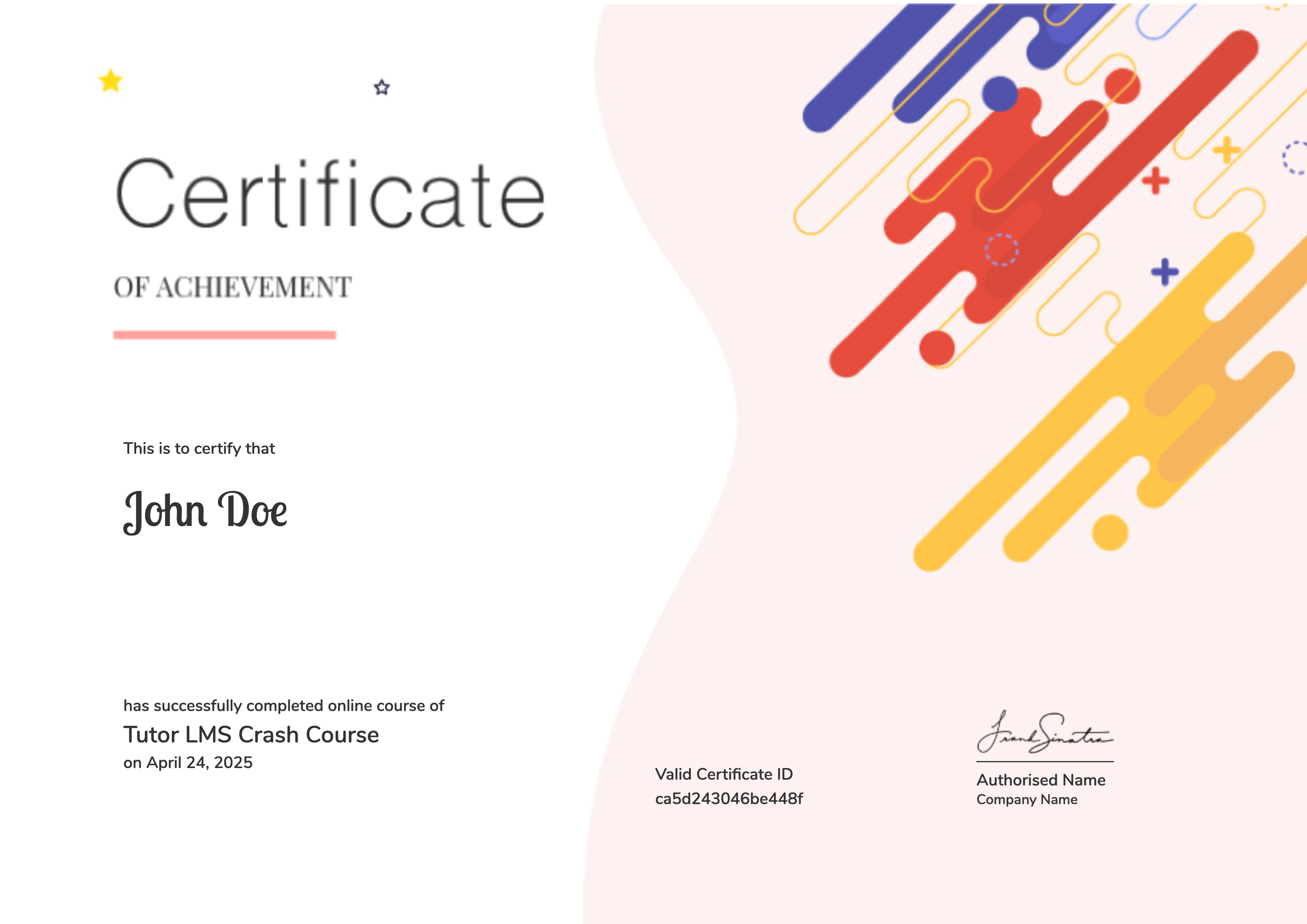
Earn a certificate
Add this certificate to your resume to demonstrate your skills & increase your chances of getting noticed.
Student Ratings & Reviews
No Review Yet